Bagaimana Cara Install TokoWhatsApp?
Login Blogger.com > Tema > Edit HTML.
![]()
Jika sudah, ikuti langkah-langkah dalam video dibawah ini.
Terakhir, Setting Blog seperti screenshot berikut ini.


Jika sudah, ikuti langkah-langkah dalam video dibawah ini.
Terakhir, Setting Blog seperti screenshot berikut ini.
Bagaimana cara Menambahkan produk?
Pertama, silahkan Salin / Copy terlebih dahulu Template produk dibawah ini :
Selanjutnya, Klik Menu Postingan Blogger lalu klik tombol Entri Baru.

Jika sudah, silahkan lihat video cara update produk dibawah ini untuk mengetahui cara Menambah Foto Produk, Harga, Diskon, Varian Produk, Deskripsi, Detail Produk & Status Produk (Habis / Sold Out).
Selanjutnya, Klik Menu Postingan Blogger lalu klik tombol Entri Baru.
Jika sudah, silahkan lihat video cara update produk dibawah ini untuk mengetahui cara Menambah Foto Produk, Harga, Diskon, Varian Produk, Deskripsi, Detail Produk & Status Produk (Habis / Sold Out).
Bagaimana Cara Menambahkan "Sizechart" atau "Detail" pada Option?
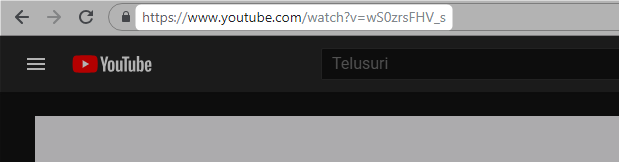
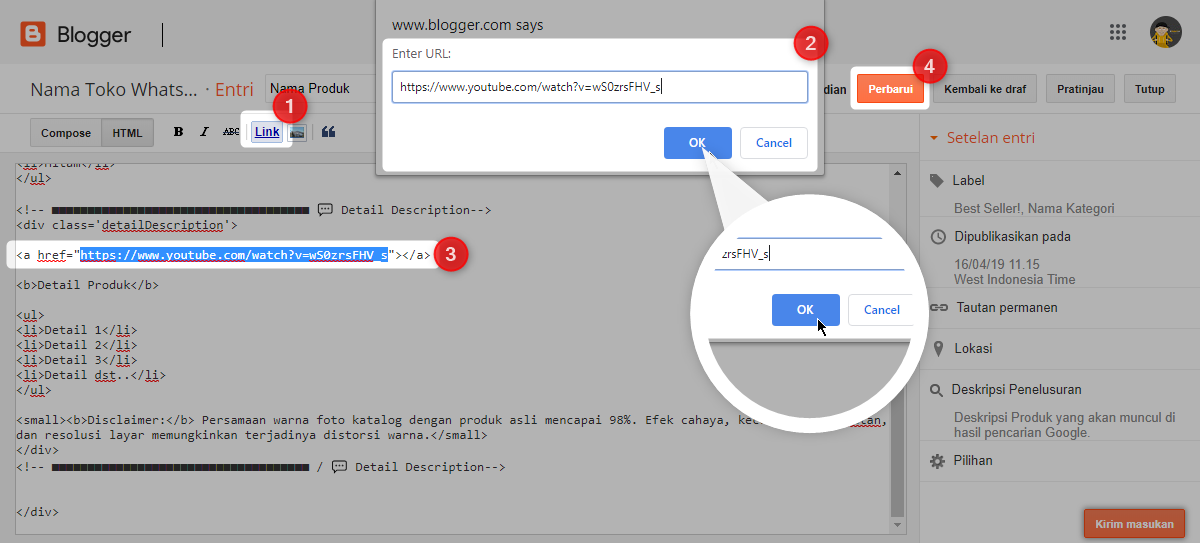
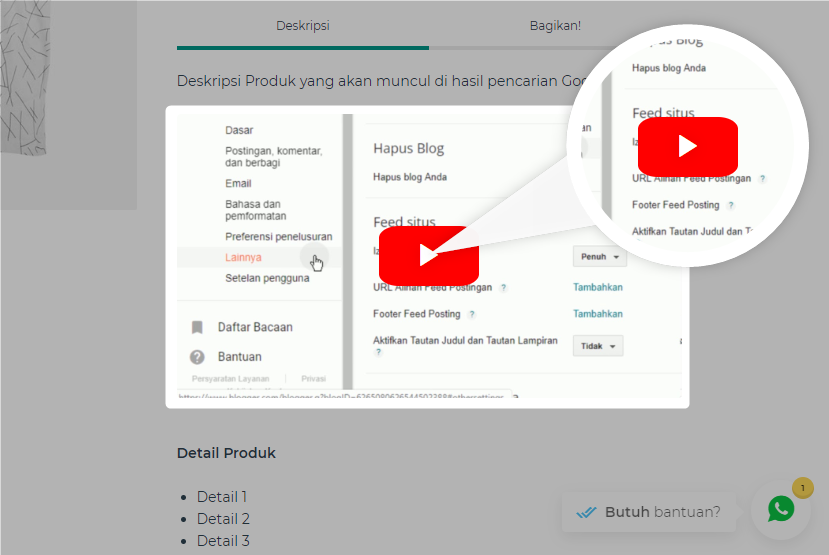
Apakah bisa menambahkan video "Youtube" kedalam Detail Produk?